History
From a private project to the commercial launch in 2026
Commercial launch
2026
Jörg Lange developed TreeNotes privately from 1999 through the end of 2025. He used it himself and shared early versions with a small circle of friends. In 2026 he launched TreeNotes commercially with version 7, bringing end-to-end encryption and paid subscriptions to the familiar tree of notes. The screenshots below trace the private versions that shaped the product.
TreeNotes 6.0
2024
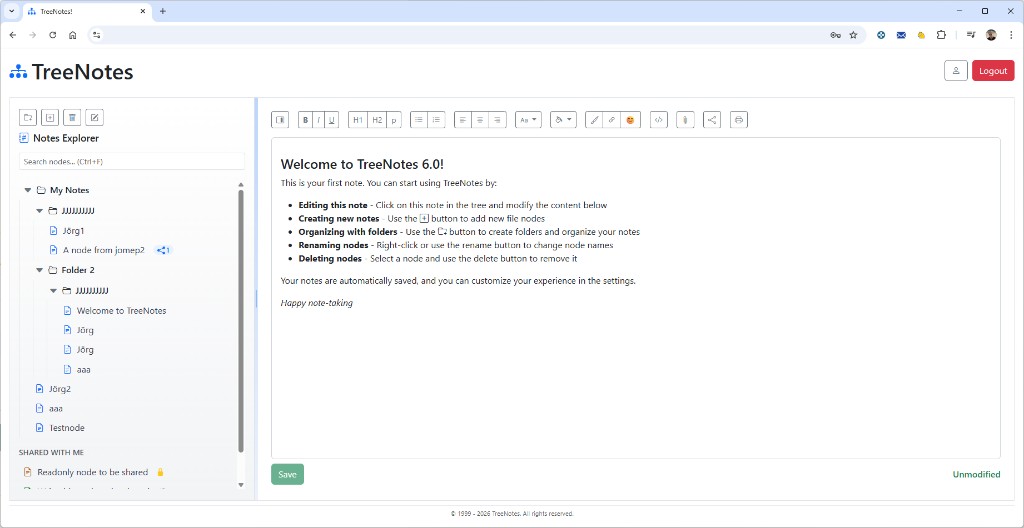
TreeNotes 6.0 introduced the familiar two-pane layout: a Notes Explorer sidebar with search and a tree of folders and notes, and a rich text editor with formatting toolbar. It supported creating notes and folders, renaming and deleting nodes, and sharing notes with others (including a “Shared with me” section with read-only indicators). Notes were automatically saved with a manual Save option and an “Unmodified” status in the footer.
TreeNotes 4.01
2008
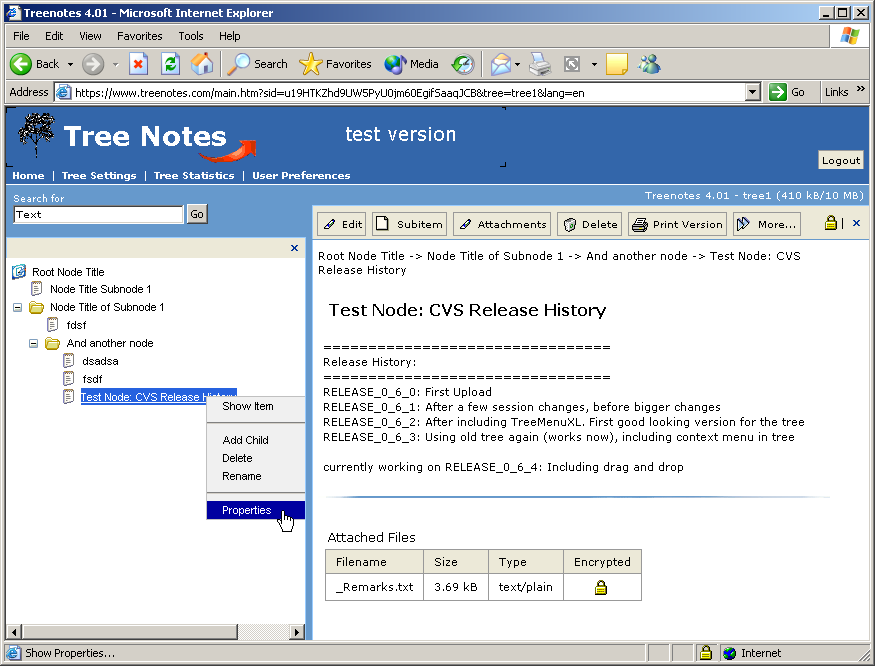
By 4.01 TreeNotes had grown into a full-featured web app: text search in the tree, a right-click context menu (Show, Add Child, Delete, Rename, Properties), and a content toolbar (Edit, Subitem, Attachments, Delete, Print, More). Notes could store release history or changelog-style content, and for the first time you could attach files to nodes—with an option to store them encrypted, foreshadowing the end-to-end encryption in 7.x. The header offered Tree Settings, Tree Statistics, and User Preferences, and showed storage usage (e.g. 410 kB / 10 MB), all within the classic two-pane layout in the browser.
TreeNotes 2.0
2005
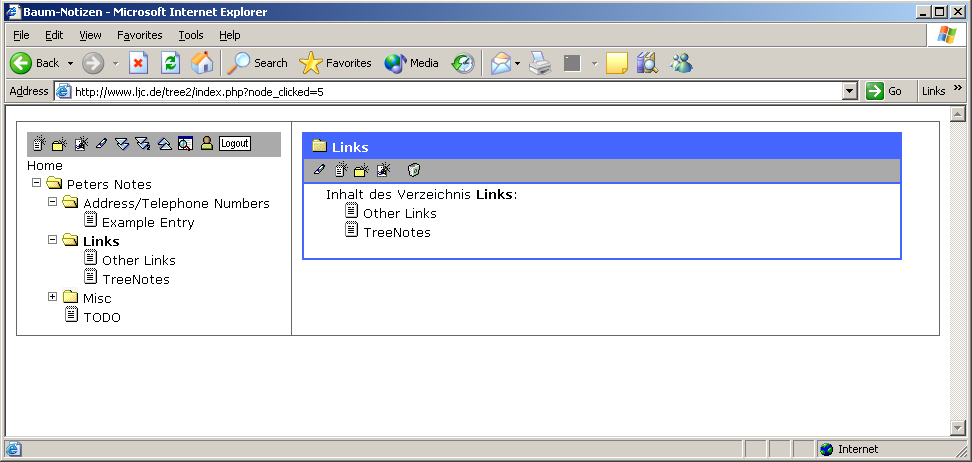
TreeNotes 2.0 (shown as “Baum-Notizen” in the German interface) kept the two-pane layout: a collapsible tree on the left and a content pane on the right. Clicking a node in the tree updated the right side to show that folder’s contents. A toolbar above the tree offered create, edit, and delete actions, and a Logout button indicated user accounts and authentication. Content was still mainly a list of items in the selected directory rather than a full rich-text editor—a step toward the richer editing that arrived in later versions.
TreeNotes 1.0
2004
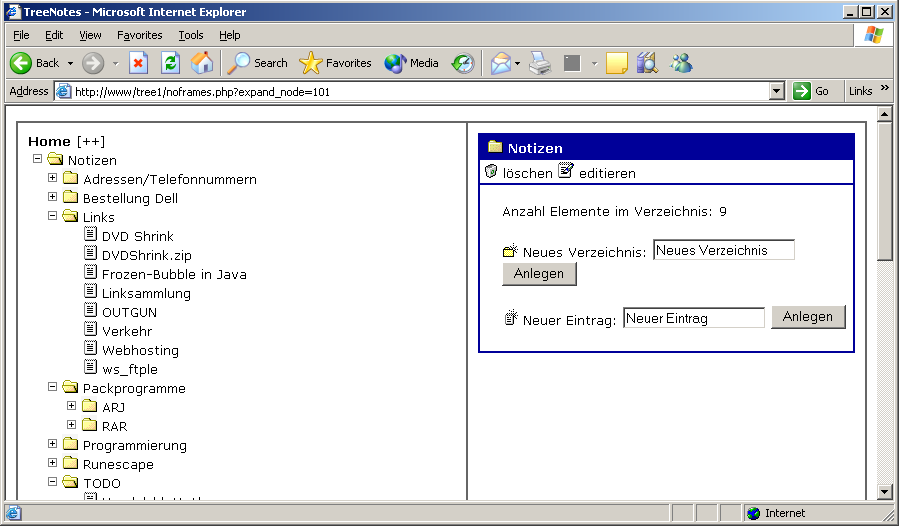
The first web-based TreeNotes ran in the browser (here, Microsoft Internet Explorer) with a classic two-pane layout: a tree on the left for navigation and a content area on the right. You could create new directories and entries, edit and delete nodes, and organize everything in a hierarchy—notes, links, addresses, and other references. The interface was simple and functional, typical of early-2000s web apps, and already established the tree-based structure that TreeNotes still uses today.
Earlier versions
The first private prototypes date to 1999. The 2004 release brought the tree into a web browser, where a note could sit alongside the links and references that gave it context.